Mixing · CreatorSonicWhy Your YouTube Audio Sounds Different on Every Device
Your video mixes fine on studio monitors, then falls apart on phones and earbuds. Here is how platform-ready mixing keeps your audio consistent everywhere.
By The Richmond Studios4 min read
You spend hours on a video, export it, and it sounds great on your headphones. Then you play it on a phone speaker and the voice disappears. On a laptop, the music is too loud. Through earbuds on the Tube, the whole thing sounds thin.
This is one of the most common problems we see with creator audio, and it is fixable. It comes down to how a mix is built, not how expensive your microphone is.
Why the same video sounds different everywhere
Every playback device has its own personality. A phone speaker has almost no low end and pushes the midrange forward. Earbuds can exaggerate bass. A TV soundbar may add its own processing. Studio monitors are deliberately neutral, so they show you everything, including problems that other devices hide or amplify.
If you mix only on one set of headphones, you are mixing for one listener. Your audience is listening on dozens of different setups, often in noisy places.
Loudness: the platform decides in the end
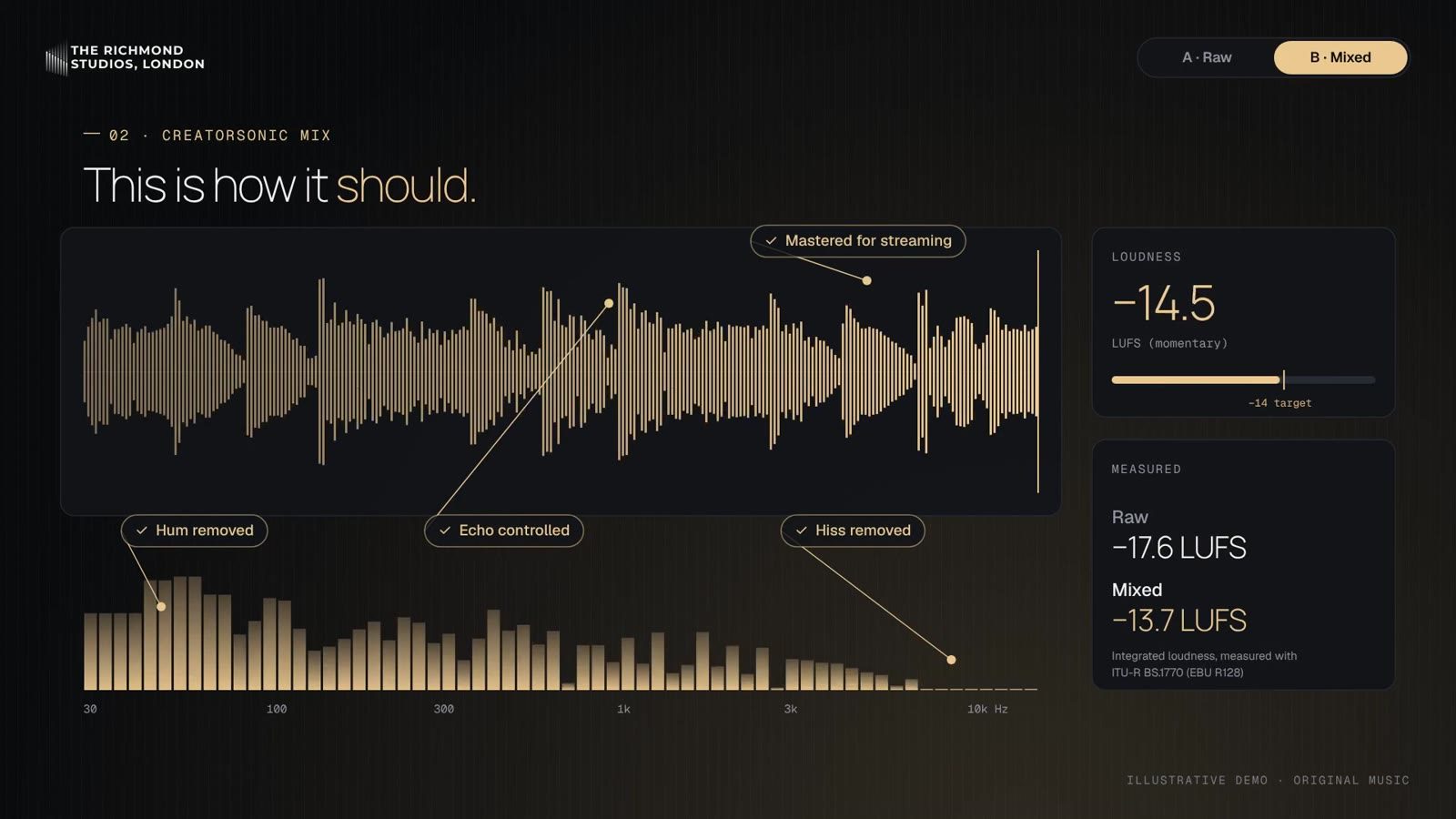
Each platform measures loudness in LUFS (Loudness Units relative to Full Scale) and may turn your video down if it is too loud. If your mix is much louder than the platform’s target, it gets reduced, and heavy compression you added to get that loudness can leave your audio sounding flat.
A mix that is well balanced and sits at a sensible integrated loudness will usually translate better than one pushed to the limit. Targets differ between platforms and change over time, so always check the current guidance from YouTube, TikTok, Instagram and Spotify before you finalise your levels.
Dialogue comes first
For most creator content, the voice is the show. A few habits make a big difference:
- Clean the recording first. Background hum, room echo and mouth clicks are much easier to fix before the mix than after.
- Keep the voice consistent. Level changes between sentences make viewers reach for the volume control.
- Control sibilance. Harsh “s” sounds are painful on earbuds.
- Leave room for the voice. Music and effects should support the dialogue, not compete with it.
Music and sound effects that do not fight the voice
Music is the most common reason speech becomes hard to follow on small speakers. Tracks with a lot of energy in the midrange sit right on top of the voice. A good mixer carves space for the dialogue, lowers the music under speech and lets it rise in the gaps.
Sound effects work the same way. A whoosh or impact should add energy without startling the viewer or masking a key word.
Check your mix on more than one device
You do not need a professional studio to improve your own checks. Try this before you publish:
- Listen on your main headphones.
- Play it through your phone speaker.
- Check it on a laptop.
- Listen in earbuds at a low volume.
- Ask whether you can follow every word on each one.
If the voice stays clear on the weakest device, your mix is in good shape.
When to bring in a professional
If you are publishing regularly, audio problems cost you time and viewers. A professional engineer can clean up noisy recordings, balance dialogue, music and effects, and deliver a mix optimised for the platforms and devices your audience actually uses.
That is exactly what CreatorSonic, our specialist service within The Richmond Studios, is built for. It is designed for YouTubers, TikTokers, Instagram creators and podcasters, and covers clean-up and fixing, mixing optimised for platforms and devices, sound effects, and intros and jingles. Every project is edited and mixed by real engineers, never by AI, and your files are shared in an NDA-protected folder.
Our founder, Atharva Bankar, brings more than six years of experience in sound design, audio engineering and post-production, including BBC Radio 4 productions as an audio engineer at BBC Studios, and a Best Sound Design Award in 2023. That experience in broadcast and film post-production shapes how we approach creator content.
Ready to make your audio consistent?
Visit the CreatorSonic page to see how it works, or get in touch to talk about your next video or episode.