Podcasts · DialogueHow to reduce room echo when recording a podcast
Echo makes a podcast sound amateur and is hard to remove later. Simple ways to tame your room, place your mic and record cleaner audio at home.
By The Richmond Studios5 min read
You have a good microphone, a great guest and a topic people care about. Then you play the recording back and it sounds like you were talking in a bathroom. That hollow, boxy sound is room echo, and it is one of the most common problems in home-recorded podcasts.
The good news is that most of it can be fixed before you press record, often for free. Here is why echo happens and what you can do about it.
Why your room echoes
When you speak, your voice does not only travel into the microphone. It also hits the walls, ceiling, floor, desk and window, bounces off and arrives at the mic a fraction of a second later. Those reflections blur the words and add the “empty room” colour that listeners notice straight away.
Hard, flat, bare surfaces reflect the most sound. A freshly painted room with a wooden floor and a big window is close to the worst case. A bedroom full of soft furnishings is often much better than a home office.
Why it is better to fix it at the source
It is tempting to think echo can be removed in the edit. Engineers can reduce it, and we do this regularly when cleaning up dialogue. But reverb is mixed into the voice itself, so taking it out always involves some compromise. Push the processing too far and the voice starts to sound thin, watery or processed.
A recording made in a well-treated spot needs far less work, sounds more natural and gives an engineer much more room to make it shine.
1. Choose the right room (and the right spot in it)
Before you buy anything, walk around your home and talk out loud. Clap once and listen to how long the sound hangs in the air. You are looking for the room where the clap dies away quickly.
- Rooms with soft things in them usually win: bedrooms, living rooms with sofas, rugs and curtains, or even a walk-in wardrobe.
- Avoid kitchens, bathrooms, hallways and empty rooms. They are full of hard surfaces.
- Do not sit right against a bare wall or in the exact middle of an empty room. Try sitting with soft furnishings behind and around you.
- Watch for noise as well as echo. Fridges, boilers, traffic and computer fans all end up on the recording.
2. Get closer to the microphone
This is the single biggest improvement most podcasters can make. The closer you are to the mic, the louder your direct voice is compared with the reflections from the room.
For most dynamic microphones, a distance of roughly a hand’s width works well. Many condenser microphones pick up more of the room, so they need a quieter, better-treated space. Whatever you use, keep the distance consistent so your level does not jump around as you lean back and forth.
A dynamic microphone used close up is often more forgiving in an untreated room than an expensive condenser placed further away.
3. Use soft furnishings as treatment
You do not need a professional studio build to make a noticeable difference. The aim is to stop the reflections that bounce straight back into the mic.
- Hang heavy curtains or duvets on the walls behind and beside you, or behind the microphone.
- Put a rug on a hard floor. Reflections from the floor and desk are easy to overlook.
- Cover the desk in front of the mic with a towel or blanket.
- Fill an empty room. Bookshelves full of books, cushions and a sofa all help break up and absorb sound.
- Try the duvet fort. Draping a thick duvet over a clothes rail or a pair of chairs around your recording spot is a well-known trick for a reason.
Acoustic foam and panels can help, but placement matters more than quantity. A few well-placed absorbers near you and the microphone do more than thin foam scattered across the room.
4. Point the microphone the right way
Most podcast microphones are directional: they pick up more from the front than from the back and sides. Make sure you are speaking into the right part of the mic (some are side-address, some end-address), and angle it so its back faces the most open, reflective part of the room.
5. Record a test before every episode
Record thirty seconds of talking, then listen back on headphones. Ask yourself:
- Does the voice sound close and present, or distant and hollow?
- Can you hear a “tail” after words end?
- Is there any background hum or hiss?
- Does it still sound clear on a phone speaker? (We explain why that matters in why your audio sounds different on every device.)
Make one change at a time, such as moving the mic closer or adding a blanket, and test again. Note down the setup that works so you can repeat it every week.
Remote guests have rooms too
If you interview people remotely, their room matters as much as yours. Send guests a short checklist before the recording: choose a carpeted room with soft furnishings, sit close to the microphone, use headphones to avoid feedback and switch off noisy appliances. Asking each person to record their own audio locally, where your recording platform allows it, also usually gives better results than relying on a compressed call.
When the recording is already done
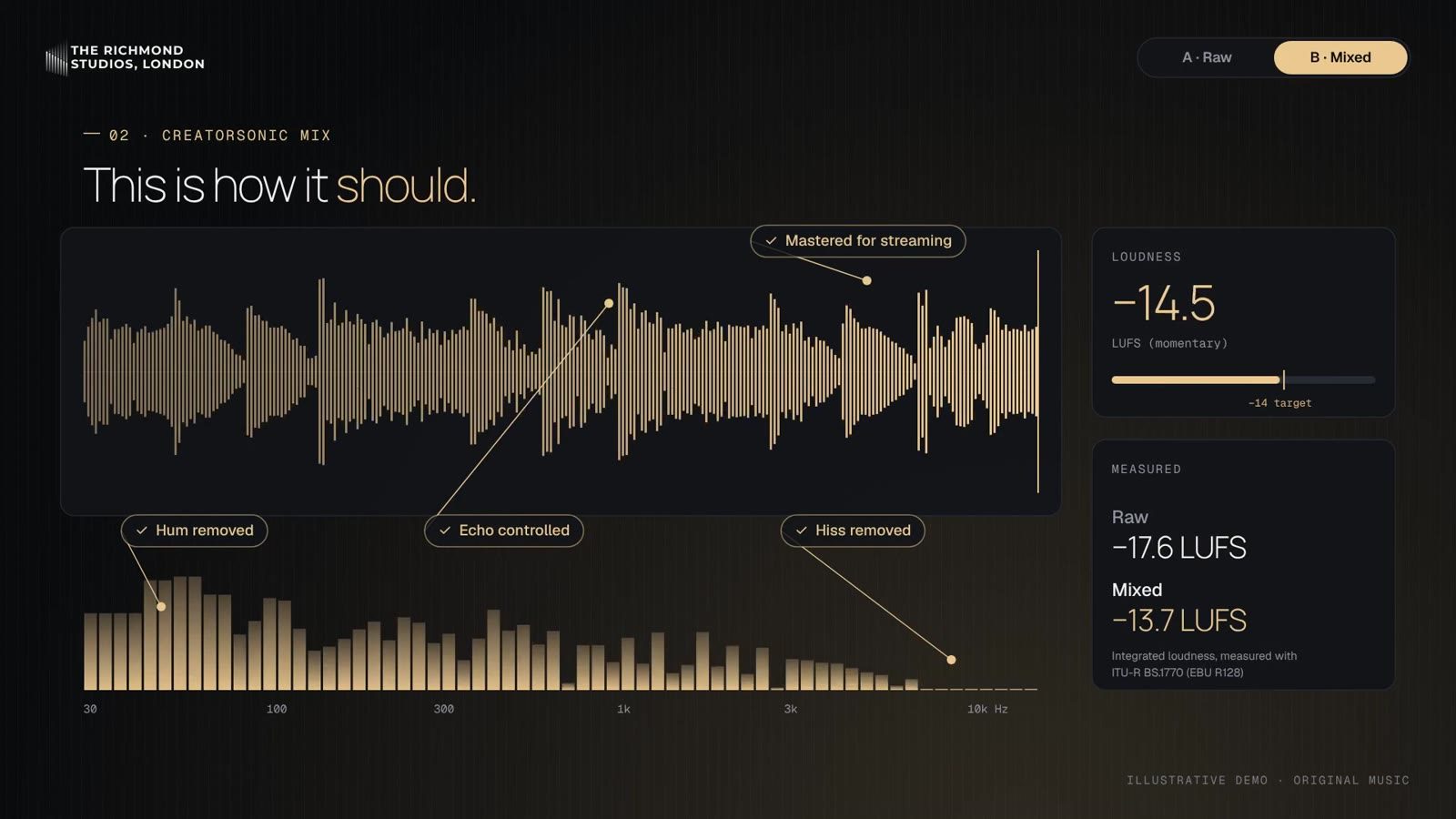
Sometimes the best episode you have was recorded in the worst room. That is where a dialogue editor comes in. At The Richmond Studios, every edit and mix is done by experienced engineers, never by AI, and reducing echo and noise in speech is everyday work for us across film, broadcast and podcasts.
If you are a podcaster or creator, CreatorSonic is our service built for you. It covers clean-up and fixing, mixing optimised for platforms and devices, sound effects, and intros and jingles, with your files shared in an NDA-protected folder.
If echo is getting in the way of your podcast, get in touch and tell us about your recordings.